How to Teach a 7-Year-Old to Code: A Simple Parent's Guide
Seven is actually a great age to start coding, young enough that kids pick up new ideas quickly, and old enough to follow simple logic and sequences. The key is starting with the right kind of coding for this age. Full programming languages like Python or JavaScript aren't the right starting point yet, visual, drag-and-drop tools are, and they teach the exact same thinking skills without the frustration of typing syntax correctly.
This guide walks through what to actually do, step by step.
See how our Scratch camp for ages 5-8 works →
Is 7 the Right Age to Start?
Yes, most children are ready to begin coding around ages 5–7, as long as the format matches their stage. At 7, kids can:
- Follow multi-step instructions and sequences
- Understand simple cause-and-effect logic ("if this happens, then that happens")
- Use a mouse/touchscreen confidently enough to drag and arrange blocks
What they're not ready for yet is typing precise code syntax, where a single missing bracket breaks everything, that's a frustration best saved for a couple of years later.
What Coding Actually Looks Like at Age 7
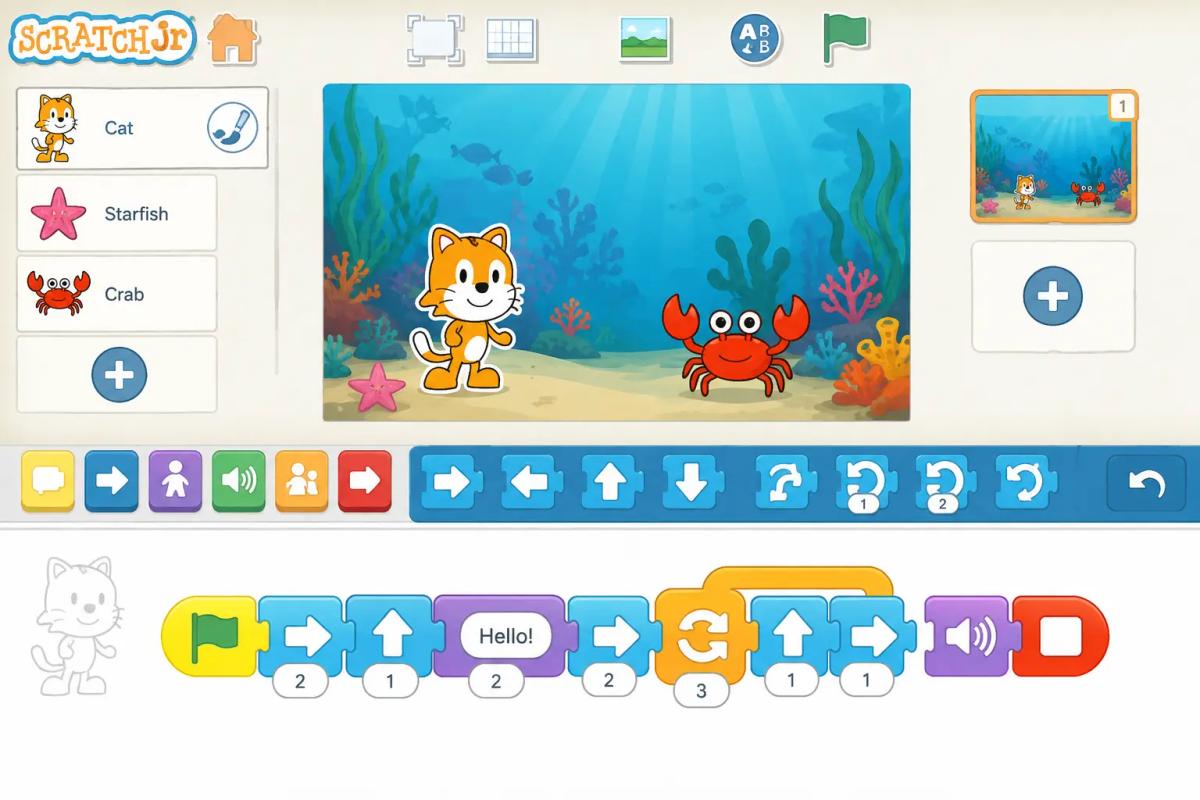
At 7, coding should be visual and block-based, not text-based. Instead of typing lines of code, kids drag and snap together colorful instruction blocks (like puzzle pieces) to make a character move, a game work, or a story play out. It teaches the same underlying logic as "real" programming, sequencing, loops, conditionals, without the syntax barrier.
Step-by-Step: Teaching a 7-Year-Old to Code
1. Start with the idea, not the tool
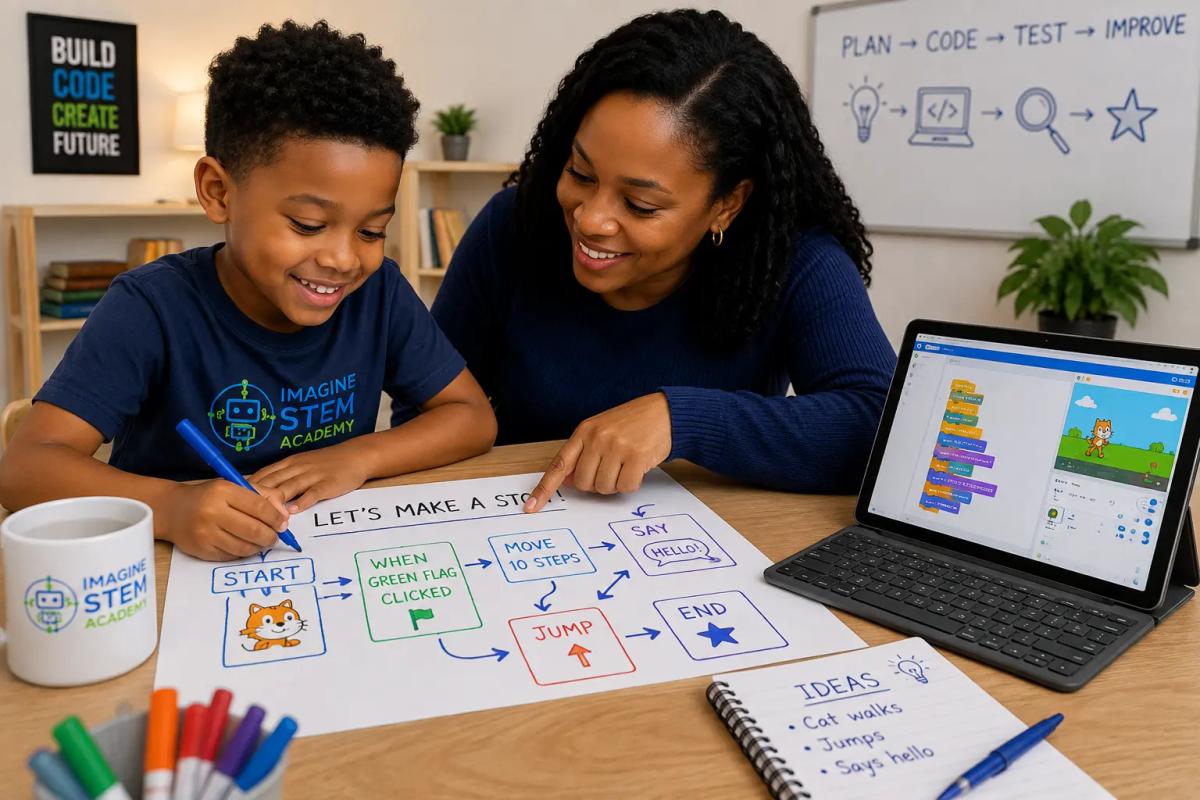
Before opening any app, talk through a simple example: "If I want a character to jump when I press a button, what needs to happen first?" This builds the logical thinking underneath coding before any screen is involved.
2. Choose an age-appropriate tool
The right starting tools at this age are visual and block-based:
- ScratchJr: designed specifically for ages 5–7, tablet-friendly, no reading required
- Scratch: for kids closer to 7–8 who are comfortable reading simple words, slightly more advanced than ScratchJr
- Bee-Bot / floor robots (if available): a hands-on, screen-free way to teach sequencing for younger or more tactile learners
3. Keep first sessions short and playful
15–20 minutes is plenty at this age. The goal early on is enjoyment and curiosity, not depth, a child who has fun in a short session will want to come back.
4. Let them build something, not just follow along
Rather than a tutorial that ends the same way every time, encourage them to change something, a color, a character, a sound, and see what happens. This is where real understanding starts to form.
5. Be comfortable saying "let's find out together"
You don't need to know the answer to every question. Coding rewards curiosity and experimentation, modeling that for your child (rather than needing to have all the answers) is itself a valuable lesson.
6. Add live instruction once interest is clear
Self-guided apps are a great starting point, but most kids progress faster, and stay more engaged, with a live instructor who can respond in real time, keep sessions structured, and introduce new challenges as they're ready. This is usually the point where a structured class (rather than solo app time) starts to pay off.
Ready for the next step? Book a free trial coding class →
Best Free Tools to Start With at Home
Tool Best for
ScratchJr: Ages 5–7, tablet-based, no reading required
Scratch: Ages 7–8+, slightly more advanced, browser-based
Bee-Bot: Younger or more hands-on/tactile learners
These are great for building initial interest before moving into a structured program.
Frequently Asked Questions
What age should a child start learning to code?
Most children can start as early as 5–7 years old using visual, block-based tools. Text-based languages like Python are generally better suited to age 10 and up.
Should a 7-year-old learn a "real" coding language like Python or JavaScript?
Not yet. At this age, block-based tools like Scratch or ScratchJr teach the same core logic, sequencing, loops, conditionals, without the frustration of exact typed syntax. Text-based languages are a better fit a few years later.
How much time should a 7-year-old spend coding?
15–20 minutes per session is plenty at this age, short, frequent, and enjoyable beats long, infrequent sessions.
Do I need any coding knowledge myself to help my child start?
No. At this stage, your role is mostly to sit with them, ask questions, and encourage experimentation, the tools are designed to be intuitive without adult expertise.
Is there a free way to try a live class before committing?
Yes, Imagine STEM Academy offers a free trial coding class where your child can experience a live, instructor-led session before you decide on a full program.
Book Your Child's Free Trial Coding Class